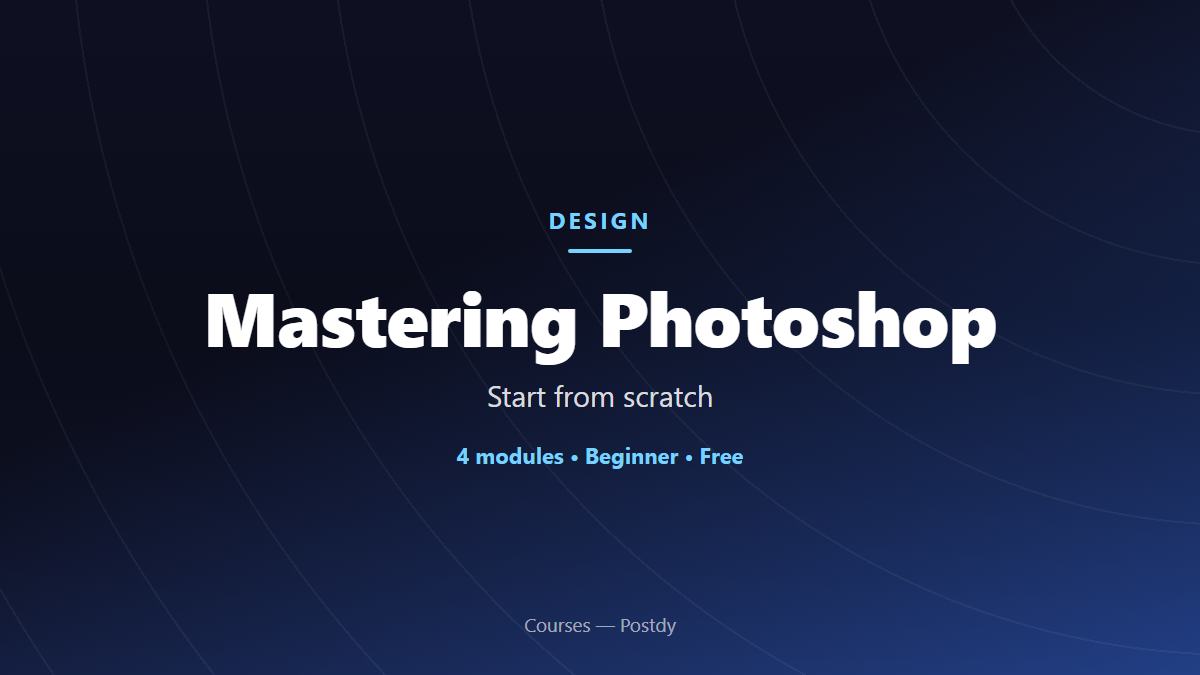
Mastering Photoshop
About Course
Photoshop is the world standard for photo retouching and image creation — and yet you don’t need to be a designer to learn it. This course starts you from scratch.
You’ll explore the interface, the concept of layers, the selection and retouching tools, masks and effects, then exporting in the right formats. By the end, you’ll be able to open a document, cut out an element, correct a photo and deliver a clean file, ready for web or print.
Course Content
Module 1 — Getting to know Photoshop
Module 2 — Selections and retouching
Module 3 — Layers, masks and effects
Module 4 — Exporting and working well
Go further with a trainer
Technical and educational support is included in your training and remains free of charge. What follows is individual coaching, in addition.
Group workshop
Two hours in a small group, 8 seats. The price shown is per person. To move forward with others and leave with a first deliverable.
- 1 session of 120 minutes
- Remote (video call)
- Written reply within 48 business hours
- To be used within 3 months
Kick-start
Two sessions to unblock a specific point, with a review of your work. The format to try it out.
- 2 sessions of 45 minutes
- 1 deliverable review
- Remote (video call)
- Written reply within 48 business hours
- To be used within 3 months
Ongoing support
Four sessions spread across your course, two reviews of your deliverables. The format that suits most learners.
- 4 sessions of 45 minutes
- 2 deliverable reviews
- Remote (video call), On site at our premises
- Written reply within 48 business hours
- To be used within 6 months
Intensive
Eight sessions and four reviews over a year, on site if you wish. For a career change or a full professional project.
- 8 sessions of 45 minutes
- 4 deliverable reviews
- Remote (video call), On site at our premises, On site at the client's (in-house)
- Written reply within 48 business hours
- To be used within 12 months
Student Ratings & Reviews